Is My Child Ready for Online Lessons?
A child may be ready for a short online lesson when they can notice a demonstration, take a meaningful turn with the support they need, and stop or ask for help when they need to. Start with a familiar idea and observe how the task fits your child. A gesture, a spoken answer, or a choice using a device can all count as a turn.
Try one short lesson together
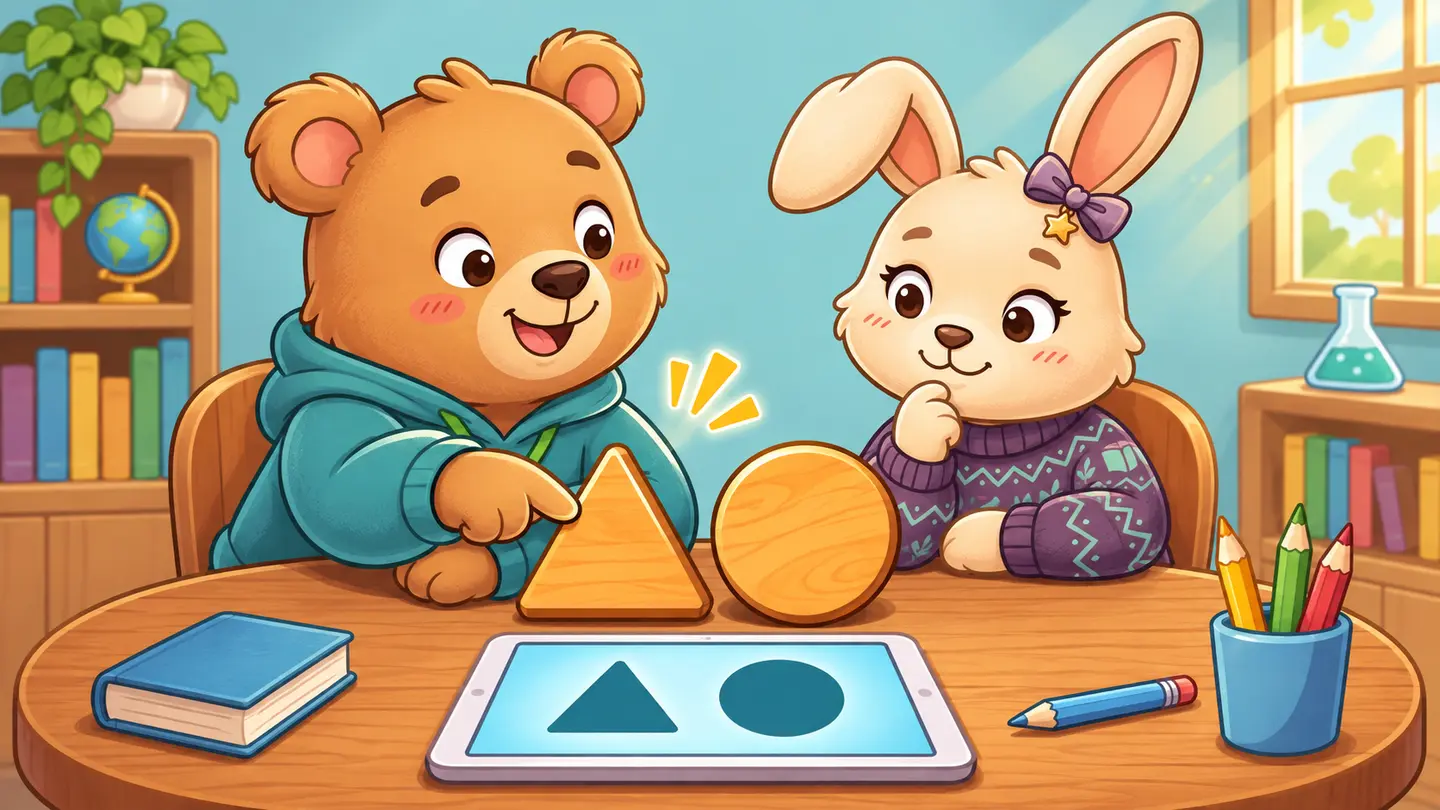
- Pick one idea your child already knows. Use a familiar color, picture, sound, or a small group of objects. Practicing something familiar makes it easier to see whether the challenge comes from the activity or from using the device.
- Show one example and hand over the turn. Sit nearby, say what to do in a few words, and wait. Let your child answer by pointing, speaking, tapping, or showing you an object.
- Bring the idea away from the screen. Ask your child to show the same idea with a toy, a picture, a drawing, or a new example. Keep the request small.
- Notice how the activity ends. Say “one more turn,” then close the activity together. Listen if your child wants a break or has a question.
Readiness checklist for parents
| Watch for | Try this | What the response can tell you |
|---|---|---|
| Following one cue | Give a familiar instruction, such as “Find the matching shape.” | A child who responds after one model may be ready for a similar task. Try simpler language if the direction seems unclear. |
| Taking a meaningful turn | Offer two visible choices and allow quiet time. | A point, tap, word, or gesture can show a real choice. |
| Using the interface | Check whether targets are large enough and whether directions can be replayed. | A child who points correctly but taps the wrong area may need a simpler control. |
| Recovering from a mistake | Demonstrate a different example or offer a short break. | Notice whether the child can return to the task with support. |
| Showing the idea again | Try the same skill with a different object or picture. | A fresh example helps you see what the child understood. |
This Kids Online Lessons editorial checklist focuses on five things parents can observe in a short trial. There is no total score. Note the support your child used and choose the next activity accordingly. If your child wanted to continue and the task felt manageable, change one small thing. If your child needed your help through each turn, try a simpler task together. If the experience became frustrating, come back when your child is rested and try one change.
What readiness can look like at different ages
| Stage | A starting example | Kids Online Lessons activity design target |
|---|---|---|
| Toddler | Share a simple tap that makes a familiar sound. Let your child decide when to hear it again. | 2–4 minutes |
| Pre-K | Match a shape or count a small group, then show the idea with something nearby. | 5–8 minutes |
| Kindergarten through second grade | Try a short reading or math task, then explain one choice or work through a fresh example. | 5–10 minutes |
These are timing targets for Kids Online Lessons activities. Your child can stop sooner. Try the skill that fits today, even if it sits in a different curriculum stage.
Pick the format that fits what you observed
Choose self-paced practice when your child can take a useful turn with a clear prompt and would benefit from the option to pause or repeat. Look for hints that tell the child what to try next.
Consider live instruction when a teacher’s timely response could help, such as hearing your child explain a math solution or spotting why they keep guessing a word. Ask how the teacher gives a child time to respond and what happens if they get stuck.
Keep the experience shared if your child enjoys the idea with you nearby. Do the setup, model one turn, and let your child choose how to respond. You can return to the same idea later with ordinary objects or in conversation.
Compare live and self-paced online lessons or try a first lesson at home.
What if my child won’t sit still?
Build movement into the lesson. For a shape activity, your child might stand to find an object, bring it over, and show how it matches. Watch whether the child is able to participate during that short turn. A child who can show the idea while moving has given you information about how to structure the next activity.
What if my child can answer aloud but struggles on screen?
Use the spoken response as evidence of what they know. Try a format with larger targets, fewer steps, or a simpler way to answer. A quick adjustment to the interface may let them participate more fully without changing the skill you are practicing.
Explore online lessons by age and learning goal · Read the Kids Online Lessons FAQ
Join the waitlist to hear when enrollment opens.