What Equipment and Internet Speed Do Kids Need for Online Lessons?
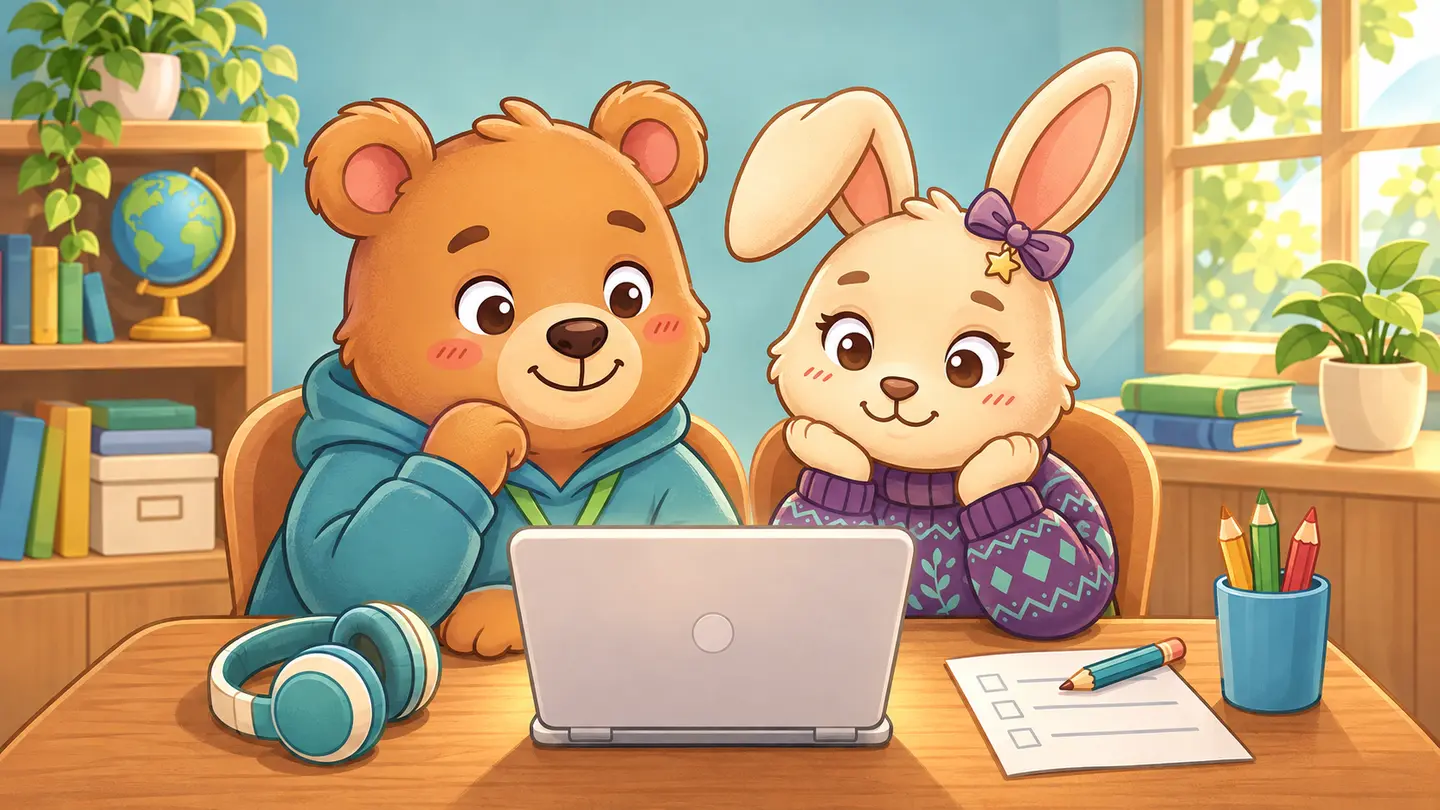
Start with the device your child will use, a comfortable way to hear instructions, and a test of the actual lesson. For live video, check the provider’s requirements for both upload and download speed. For a self-paced activity, try the same browser and controls your child will use.
Equipment for online classes and self-paced activities
| Check | Live lesson | Self-paced activity |
|---|---|---|
| Device | Open the provider’s test meeting or sample. Check whether it asks for an app, camera, or microphone. | Open an actual sample. Try the touch, mouse, or keyboard controls it uses. |
| Sound | Say a sentence and check both directions. Let your child hear a sample at a comfortable volume. | Confirm that directions and feedback are audible and can be replayed if needed. |
| Screen | Make sure the picture and any shared work are readable from where your child sits. | Check that your child can select a target and recover if they tap the wrong one. |
| Connection | Run the test from the lesson location at the usual time, with typical household internet use. | Check that an activity loads, responds promptly, and can be paused or resumed. |
| Materials | Put any requested supplies where your child can reach them. | Have a space for an off-screen follow-up if the activity suggests one. |
How much bandwidth is enough for a live class?
It depends on the platform and video settings. For example, Zoom’s published recommendation for outbound and inbound bandwidth in a group 720p video call is 2.6 Mbps upload and 1.8 Mbps download. That is a platform example. Use the requirements for the service and device you plan to use.
A speed test gives you one reading. A trial lesson also shows whether voices cut out, controls lag, or the device runs out of battery. Try the sample where the child will sit. Ask about audio-only participation or another way to show work if video is unreliable.
Source: Zoom system requirements and bandwidth recommendations.
Check whether an online lesson is easy to use or compare live and self-paced formats.
Join the waitlist for Kids Online Lessons.